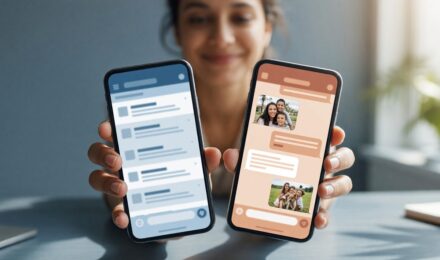
Create a Morning Message-Only Window to Reduce Digital Overload
Cut digital overload by setting a 20–30 minute morning message-only window to limit reactive checking and boost focus.
Read MoreLearn about schedule text messages Android. Discover built-in Android methods to send texts at the perfect time — no third-party app required.
Learn about iPhone texting settings. Discover hidden features that speed up your texting, from shortcuts to keyboard tricks that save you time every day.
Turn your Android phone into a second monitor in under 5 minutes using free apps like Spacedesk or a USB-C cable—no extra hardware needed.
Learn about always on display battery impact. Discover if AOD saves or drains your phone’s battery and when to enable or disable it.
Learn about Android guest mode setup. Discover how to enable guest mode on Android to keep your apps, files, and data private when sharing your phone.
Restore your Android phone’s speed in under 15 minutes by clearing cache, disabling background apps, and tweaking animations—no factory reset needed.
Learn about boost Android signal. Discover hidden tricks and settings to strengthen your Android signal and stay connected in weak coverage zones.
Learn about secret chat setup. Discover how to create private, secure conversations on your phone with easy steps to protect your messages today.
Set up your phone as a webcam in under 5 minutes with free apps like DroidCam or EpocCam. Get 4K video quality on Zoom, Google Meet, and Teams—no cost.
Learn about back up chat history. Discover easy steps to save your messages from WhatsApp, iMessage & more before switching to a new phone.