Fact-checked by the SnapMessages editorial team
Quick Answer
The most common smart home setup mistakes that drain your energy bill include misplacing your thermostat, skipping device schedules, multiplying phantom load, using incompatible ecosystems, and ignoring firmware updates. A correctly configured smart thermostat alone can save up to 10% on annual heating and cooling costs, while standby power from idle devices costs the average household an estimated $308 per year.
Smart home setup mistakes cost far more than most homeowners realize. The U.S. Department of Energy confirms that simply adjusting your thermostat by 7 to 10 degrees for 8 hours a day can save up to 10% per year on heating and cooling, the exact behavior a smart thermostat is supposed to automate. Yet millions of households install these devices and see little to no savings because of configuration errors that start on day one.
This matters beyond your utility bill. Poorly managed smart home systems degrade indoor air quality, disrupt sleep, and generate the kind of low-grade financial stress that research consistently links to elevated cortisol. This guide identifies the five most damaging mistakes, explains why each one happens, and gives you specific fixes grounded in verified data.
Key Takeaways
- Standby power from idle devices accounts for 5% to 10% of residential electricity use, according to the U.S. Department of Energy, with some estimates placing the household cost as high as $308 per year (NRDC/Sense).
- A certified smart thermostat saves an average of 8% on heating and cooling bills, or roughly $50 per year, according to EPA’s ENERGY STAR program, but only when the device is properly configured.
- Most smart devices ship with eco-modes and sleep schedules turned off, meaning the factory default configuration is the least energy-efficient state your device will ever be in (ENERGY STAR).
- ENERGY STAR warns that not all smart devices work together, and ecosystem fragmentation prevents coordinated energy-saving modes from functioning, leaving automation savings unrealized.
- Lawrence Berkeley National Laboratory’s standby power research database finds that while per-device standby wattage has improved, the total number of connected devices in modern homes keeps household standby consumption roughly constant.
In This Guide
- Why “Smart” Doesn’t Automatically Mean Efficient
- Mistake #1: Placing Your Smart Thermostat in the Wrong Spot
- Mistake #2: Treating Every Smart Device as a Set-It-and-Forget-It Tool
- Mistake #3: Multiplying Phantom Load Instead of Eliminating It
- Mistake #4: Running Devices That Don’t Communicate With Each Other
- Mistake #5: Ignoring Firmware Updates and Energy Monitoring Data
- The Honest Concession: Smart Tech Won’t Save You If the House Itself Is Leaking Energy
- Frequently Asked Questions
Why “Smart” Doesn’t Automatically Mean Efficient
Smart devices are marketed as effortless energy savers, but the out-of-box experience is rarely efficient. Most ship in a default state that prioritizes convenience over conservation, and a misconfigured setup can actually make your bill worse than a basic programmable thermostat ever did.
The core paradox is simple: a smart thermostat that runs on the wrong schedule, a smart speaker that listens around the clock, and a mesh of incompatible devices that can’t coordinate will collectively consume more energy than they save. High utility bills carry a cost beyond money. Research published in Indoor Air (Wiley, 2025) found that moderate thermal environments between 18°C and 22°C support sleep continuity in healthy adults, and that elevated indoor CO2 from misfiring HVAC systems reduces sleep efficiency, increases wake time, and elevates cortisol. The five mistakes below sit at the intersection of energy waste, financial stress, and measurable health impact.
Smart devices manufactured as recently as 2025 still ship with eco-modes disabled by default. The energy-saving features you paid for require manual activation before they do anything at all.
Mistake #1: Placing Your Smart Thermostat in the Wrong Spot
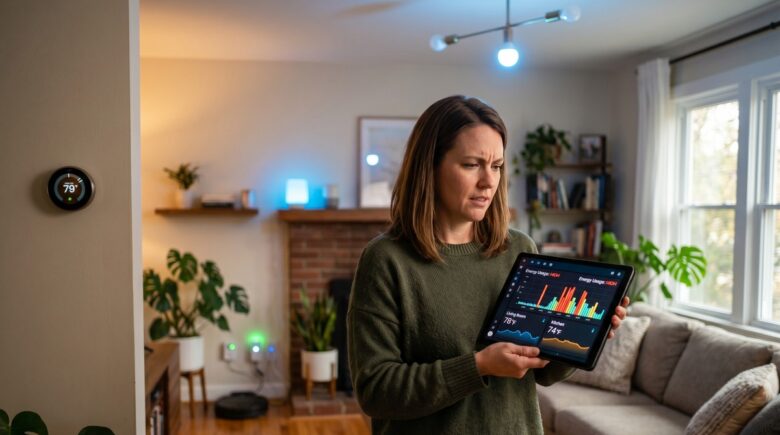
Thermostat location is one of the most consequential and most ignored variables in a smart home setup. A unit installed near a sunny window, a heat register, or an exterior wall reads an ambient temperature that does not reflect the rest of the home, forcing your HVAC system to cycle on and off at the wrong times.
“Where your thermostat sits has a huge influence on how your heating behaves. If it is in the wrong location, it can cause your system to turn on and off at the wrong times, pushing bills up without you realising.”
The Wellness Cost of a Misread Room
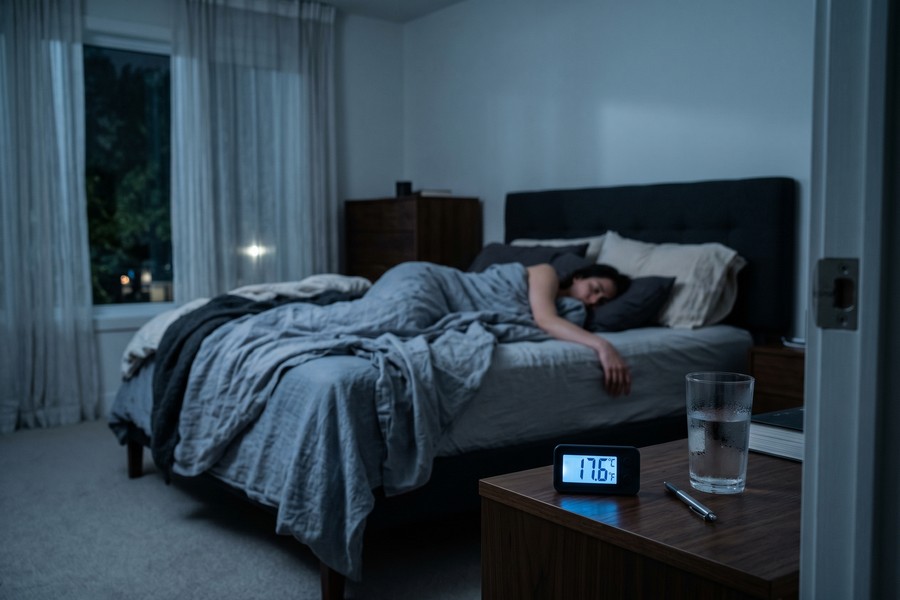
Poor thermostat placement doesn’t just inflate bills. When the sensor sits in a warmer-than-average zone, the system cools longer than necessary, pulling bedroom temperatures below the 18°C to 22°C range that supports deep sleep. The result is a house that feels fine in the hallway but leaves bedrooms too cold or too warm depending on the season, quietly fragmenting sleep quality night after night.
The fix is specific: mount the thermostat on an interior wall, at roughly chest height, away from direct sunlight, drafts, and any heat-producing appliance. Experts cited in consumer testing publications note this single repositioning can reduce cooling costs by up to 20% in homes where the original placement was near a window or vent. That figure is large enough that if you do only one thing after reading this article, thermostat placement is it.
Mistake #2: Treating Every Smart Device as a Set-It-and-Forget-It Tool
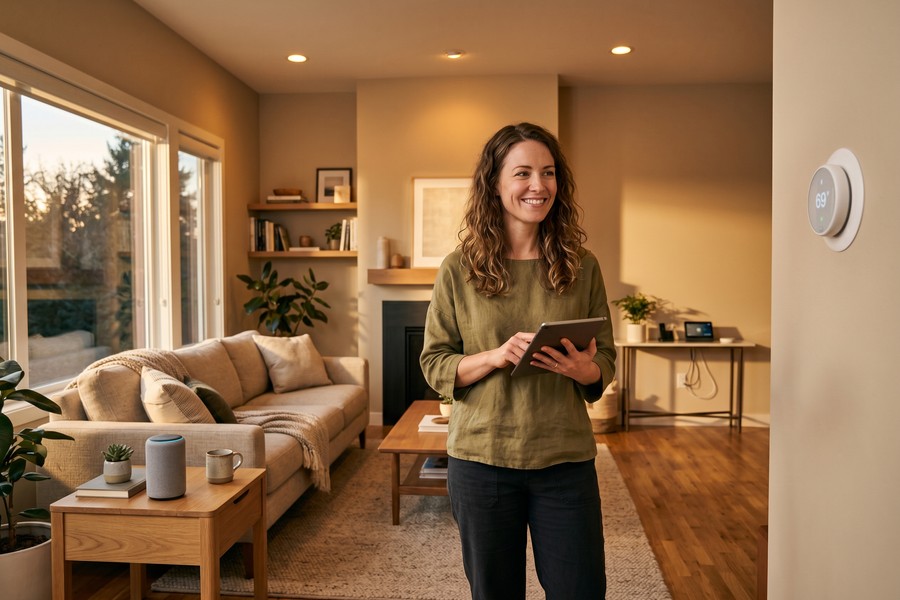
Configuring a smart home once and walking away is one of the most reliably expensive smart home setup mistakes a homeowner can make. Automation schedules tuned in January for short days and high heating loads will run unchanged in July, cooling an empty house during long daylight hours when passive solar gain is doing most of the work for free.
The Seasonal Blind Spot
This “seasonal blind spot” rarely appears in setup guides, yet it directly explains why many homeowners see smart devices deliver strong savings in the first quarter and then flatline. Occupancy patterns shift as schedules change through the year. A home occupied mainly in the evening during winter may be empty for entirely different hours in summer, making the original automation profile not just ineffective but actively wasteful.
Revisiting your schedules at the start of each season takes about fifteen minutes per device. The EPA’s ENERGY STAR guidance is direct on this point: a certified smart thermostat configured to ease off when the home is empty can reduce heating and cooling bills by more than 8%, saving roughly $50 per year on average. That figure assumes appropriate scheduling. Without it, you’re paying for hardware that is operating no better than a manual dial.
The wellness dimension is equally concrete. Circadian rhythm is sensitive to both temperature and light. A home that runs lighting and HVAC on a stale winter schedule through summer months creates an environment that signals the wrong time of day to your body, subtly disrupting sleep onset and morning alertness. If you find yourself tired despite adequate hours in bed, a misfiring automation schedule is worth ruling out before blaming anything else. You can even pair smart home scheduling with tools designed to build better daily habits, the same discipline behind focus-building apps applies here: small, consistent adjustments compound over time.
Set a recurring calendar reminder at the start of each season to audit your automation schedules. Check thermostat setpoints, lighting timers, and occupancy rules. Fifteen minutes four times a year is enough to keep the system aligned with how you actually live.
Mistake #3: Multiplying Phantom Load Instead of Eliminating It
Phantom load, the continuous trickle of electricity drawn by devices that appear to be off, is where smart homes frequently make things worse rather than better. The U.S. Department of Energy estimates that standby power accounts for 5% to 10% of residential energy use, and an NRDC/Sense monitoring survey of 4,271 households put the average annual cost at $308, more than most households spend on lighting or refrigeration.
The Smart Home Compounding Trap
Here is the specific problem most phantom-load articles skip: plugging a multi-device power strip into a single smart plug does not eliminate standby draw from every device on the strip. The smart plug can cut power to the strip, but only if you actively command it to, and any device that needs to remain on standby to receive that command (a smart TV, a voice-activated hub) must stay powered regardless. Truly eliminating phantom load from a cluster of devices requires either individual smart plugs per device or a smart power strip with per-outlet control and automatic standby detection.
Smart speakers that use always-on wake-word detection are a particular case. A device listening continuously draws power 24 hours a day, 365 days a year. Lawrence Berkeley National Laboratory’s standby power research notes that while per-device standby wattage has improved over the past decade, the sheer number of always-on connected devices in modern homes keeps total household standby consumption roughly constant. Adding more smart devices without auditing their idle draw is one of the clearest ways a smart home ends up costing more than a conventional one.
Standby power costs the average U.S. household an estimated $308 per year, according to a Sense monitoring survey of 4,271 homes, a figure larger than what most households spend annually on lighting.
Mistake #4: Running Devices That Don’t Communicate With Each Other
Ecosystem fragmentation is the quiet killer of smart home efficiency. Smart blinds, thermostats, and occupancy sensors purchased from different platforms often cannot share data, so they operate in isolation, the air conditioning kicks on while the blinds remain open and direct sunlight pours heat into the room, making the AC work harder than necessary.
What Real Integration Looks Like
ENERGY STAR’s guidance on smart home features and functionality is clear: not all smart devices will necessarily work together. The agency recommends consumers prioritize devices using the same communication protocol, such as Matter, Zigbee, or Z-Wave, or deploy a compatible hub to tie disparate products together so the system can coordinate energy-saving away and vacation modes.
When integration works correctly, the gains are tangible. A smart thermostat paired with room-level occupancy sensors can stop heating or cooling zones where no one is present, rather than conditioning the entire house uniformly. A smart blind controller receiving solar intensity data from a weather integration can pre-emptively close window coverings before afternoon sun loads the living room, reducing cooling demand before it starts.
There is also a health angle here that competing articles consistently miss. When indoor air quality sensors are not connected to the ventilation system, elevated CO2 concentrations have no automatic trigger to clear. Research cited in the 2025 Indoor Air review found that elevated indoor CO2 increases cortisol, reduces REM sleep, and measurably impairs cognitive performance the following day. A fragmented system that keeps sensors and actuators in separate silos allows this to happen silently, night after night.
If you’re thinking about the security implications of connected devices that share data across platforms, the same principles that apply to building a solid personal digital security routine are relevant: fewer open integrations, stronger authentication, and regular audits of what each device can access.
| Mistake | Estimated Annual Cost | Time to Fix |
|---|---|---|
| Wrong thermostat placement | Up to 20% higher cooling costs | 30–60 minutes (remount) |
| No seasonal schedule updates | Forfeits ~$50/year ENERGY STAR savings | 15 minutes per season |
| Unmanaged phantom load | Up to $308/year (Sense/NRDC) | 1–2 hours (audit + smart plugs) |
| Incompatible ecosystems | Full automation savings unrealized | 1 weekend (hub setup or protocol audit) |
| Skipped firmware/monitoring | Missed efficiency patches; hidden waste | 20 minutes monthly |
Mistake #5: Ignoring Firmware Updates and Energy Monitoring Data
Skipping firmware updates is a smaller but persistent drain. Manufacturers release updates specifically to address bugs that cause devices to run inefficiently, and many include energy-saving enhancements that were not present at launch. A smart thermostat running firmware from two years ago may be missing learned-schedule improvements or demand-response integrations that reduce peak-hour consumption.
Treating Energy Data as a Health Dashboard
The more significant missed opportunity is the monitoring data itself. Smart plugs, energy monitors like Sense or Emporia Vue, and whole-home panels can identify exactly which appliances are drawing unexpected power. Most owners never look at this data. A malfunctioning refrigerator compressor cycling too frequently, a water heater with a failing element, or an old dehumidifier left running on default, each stays invisible without a monthly review.
Checking your energy dashboard monthly is not a chore unique to engineers. It is the equivalent of reviewing any other health metric: it surfaces hidden stressors before they compound. The financial stress of a utility bill that quietly climbs without explanation is itself a documented health stressor. Removing that uncertainty is a genuinely wellness-relevant act, not just a money-saving one. You can apply the same habitual-review mindset that makes daily reflection journaling effective, consistent, low-friction check-ins that catch drift before it becomes a problem.
On the security side, keeping firmware current matters for reasons beyond energy efficiency. Outdated firmware on smart home devices is a well-documented attack vector. If you want to understand how connected devices can be compromised when left unpatched, the mechanics are closely related to what’s described in a look at how spyware operates on connected devices.
Firmware updates for smart thermostats from manufacturers including Google Nest, Ecobee, and Honeywell Home have historically included demand-response and efficiency improvements delivered silently over Wi-Fi, but only if automatic updates are enabled in the device settings.
The Honest Concession: Smart Tech Won’t Save You If the House Itself Is Leaking Energy
The most important caveat in this entire discussion is one almost no competing article states plainly: a smart thermostat installed in a home with single-pane windows, uninsulated walls, or gaps under exterior doors is fighting a losing battle. The building envelope problem must be addressed first. No amount of automation fixes conditioned air escaping through a poorly sealed attic hatch.
There is also an honest ROI point worth making about thermostat upgrades specifically. The DOE’s data shows savings of up to 10% on heating and cooling from consistent setback behavior. Those gains accrue primarily to households upgrading from a manual, non-programmable thermostat. If you were already diligently adjusting a programmable thermostat twice a day, the incremental savings from switching to a smart model may be modest. The technology earns its keep through convenience and automation consistency, not through some additional efficiency magic unavailable to conventional thermostats.
The same honest framing applies to device categories. Smart power strips, smart bulbs, and properly configured thermostats genuinely reduce consumption when used correctly. Smart speakers, always-on security cameras, and ambient display screens add continuous load. The net impact of a smart home depends entirely on which category gets more of your square footage. Households that add ten voice-activated devices but configure none of their power management features may end up paying more than they did before.
Realistic expectations matter for long-term behavior. A homeowner who understands these trade-offs is far more likely to take the configuration steps that produce real savings than one who expected the hardware to do the work automatically. For households that are also thinking about how connected devices communicate and what data they expose, understanding how push notifications and always-on connections work behind the scenes provides useful context for assessing the true idle cost of each device.
Frequently Asked Questions
What is the single most impactful smart home setup mistake to fix first?
Thermostat placement and scheduling have the largest measurable financial impact. A misplaced thermostat can inflate cooling costs by up to 20%, while a properly configured smart thermostat saves an average of 8% on heating and cooling bills according to ENERGY STAR. Fix placement and set a seasonal schedule before addressing anything else.
How much does phantom load actually cost the average household?
Standby power accounts for 5% to 10% of residential electricity use according to the U.S. Department of Energy, and a Sense monitoring survey of 4,271 households put the annual cost at approximately $308. That figure makes phantom load one of the largest single correctable line items in a typical energy bill.
Do smart home devices save energy automatically, or do they need to be configured?
They need to be configured. Most smart devices ship with eco-modes, sleep schedules, and power-saving features turned off by default. The factory default state is the least energy-efficient configuration; savings require deliberate setup and periodic review as occupancy patterns and seasons change.
Can incompatible smart devices still save energy if they can’t communicate?
They can save energy individually, but the largest gains come from coordinated automation, for example, a thermostat that responds to occupancy sensors, or blinds that close automatically when solar gain is detected. Without communication between devices, these coordinated savings are unavailable, and devices can actively work against each other.
Will a smart thermostat save money if I already have a programmable one?
Probably not much. The DOE’s savings estimate of up to 10% on heating and cooling applies primarily to households upgrading from non-programmable manual thermostats. If you were already consistently adjusting a programmable thermostat, the incremental energy savings from a smart model are modest; the primary benefit becomes convenience and automatic schedule adaptation.
How does a misconfigured smart home affect sleep quality?
A 2025 peer-reviewed review in Indoor Air found that thermal environments outside the 18°C to 22°C range reduce sleep continuity, and that elevated indoor CO2 from incorrectly running HVAC systems increases wake time and cortisol. A misplaced thermostat or a disconnected air quality sensor can create both conditions simultaneously without the homeowner being aware.
How often should I update my smart home schedules and firmware?
Review automation schedules at the start of each season, four times per year is sufficient for most households. Firmware updates should be set to automatic where the manufacturer allows it; otherwise, check manually once a month. Monthly energy monitoring reviews take roughly twenty minutes and surface the malfunctioning appliances and idle draws that otherwise stay invisible.
Sources
- U.S. Department of Energy, Programmable Thermostats: Save Energy and Money
- U.S. Department of Energy, 3 Easy Tips to Reduce Your Standby Power Loads
- U.S. EPA / ENERGY STAR, Smart Thermostat FAQ
- U.S. EPA / ENERGY STAR, Low and No Cost Energy Tips
- U.S. EPA / ENERGY STAR, Smart Home Features and Functionality
- Lawrence Berkeley National Laboratory, Standby Power Research Database
- T3, The Worst Place to Put Your Smart Thermostat, According to an Energy Expert






