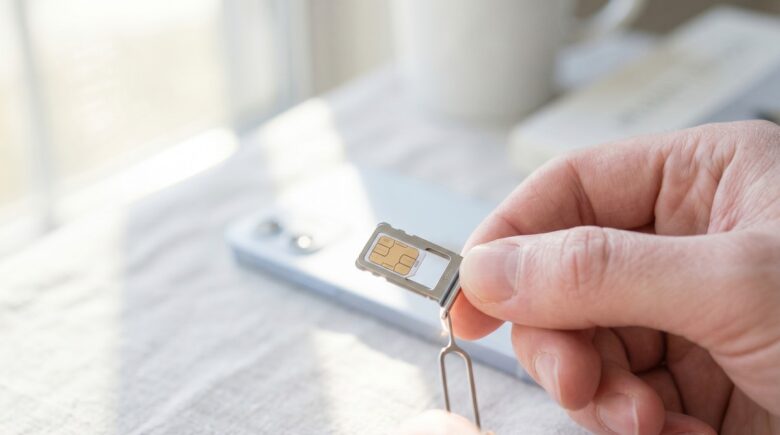
Fact-checked by the SnapMessages editorial team
Quick Answer
To protect your phone number from SIM swapping attacks, set a carrier account PIN, enable your carrier’s free SIM lock feature, replace SMS-based two-factor authentication with an authenticator app or hardware security key, and reduce the personal information visible to data brokers. Most people can complete these steps in under 30 minutes. In 2024, the UK alone recorded a 1,055% surge in unauthorized SIM swap cases.
SIM swapping protection starts with understanding what attackers actually want: not your physical SIM card, but your phone number, which now functions as the master password for nearly every account you own. A single successful swap gives a criminal the ability to intercept every SMS verification code sent to your number and reset your email, banking, telehealth, and insurance accounts within minutes. The FBI’s 2024 Internet Crime Complaint Center (IC3) Annual Report documented 982 SIM swap complaints with nearly $26 million in reported U.S. losses, and that figure captures only what victims reported, not the cascade of downstream account takeovers logged under separate crime categories.
The threat is accelerating globally. The UK’s fraud prevention service Cifas recorded a 1,055% year-over-year surge in unauthorized SIM swaps in 2024, the steepest increase of any fraud type in its database. Meanwhile, in March 2025, T-Mobile was ordered to pay $33 million in arbitration after a SIM swap enabled the theft of roughly $38 million in cryptocurrency from a single customer, establishing that carrier negligence is legally actionable at a scale most people had not imagined possible.
This guide is written for anyone who uses a phone number to log into a financial, health, or personal account, which is almost everyone. By the end, you will know how to harden your carrier account, replace vulnerable SMS two-factor authentication (2FA), recognize an attack in progress, and respond effectively if one succeeds.
Key Takeaways
- The UK’s Cifas Fraudscape 2025 recorded a 1,055% surge in unauthorized SIM swaps in 2024, making it the steepest year-over-year increase of any fraud type on record.
- In Australia, 90% of SIM swap cases occurred without any direct interaction with the victim, meaning the attacker only needs to deceive your carrier’s support staff, not you personally.
- The FBI’s IC3 received 1,611 SIM swap complaints in 2021 alone, representing adjusted losses of more than $68 million, up from just 320 complaints across the entire 2018–2020 period.
- In March 2025, a single SIM swap arbitration award against T-Mobile reached $33 million, demonstrating that carriers can be held financially liable for inadequate authentication controls.
- Both CISA and the FBI publicly advise against using SMS as a second authentication factor, recommending authenticator apps or hardware security keys instead.
- Adults aged 61 and older now account for roughly 29–32% of all SIM swap victims in the UK, up approximately 90% year-on-year, making this a serious concern for anyone helping an aging parent manage their digital accounts.
In This Guide
- Step 1: Why Your Phone Number Is the Master Key Attackers Want
- Step 2: How a SIM Swap Actually Happens in 2025
- Step 3: Recognize the Warning Signs Your Number Has Been Hijacked
- Step 4: Enable Your Carrier’s Free SIM Protection Tools
- Step 5: Ditch SMS as Your Second Factor
- Step 6: Reduce Your Digital Footprint So Attackers Cannot Impersonate You
Step 1: Why Your Phone Number Is the Master Key Attackers Want
Your phone number is no longer just a way to make calls. It is the recovery credential for almost every account you own, which makes losing control of it catastrophic. When an attacker successfully redirects your number to their SIM card, they do not just gain access to your text messages. They gain the ability to trigger password resets on any account that uses SMS verification, including email, banking, brokerage accounts, and increasingly, health platforms.
The Health Account Angle No One Talks About
Telehealth portals, pharmacy apps like Amazon Pharmacy and GoodRx, mental health platforms, and insurance member portals almost all default to SMS-based verification. A hijacked number can give an attacker access to your prescription history, insurance ID numbers, and detailed medical records, information with significant black-market value and real potential for identity fraud against healthcare providers. This vulnerability is rarely discussed, even though a compromised health account can take months to untangle with insurers.
The financial exposure extends well beyond health accounts. Online banks such as SoFi and Chime, brokerage platforms, and even traditional institutions like Chase and Bank of America rely on SMS codes as a default second factor. Once an attacker intercepts those codes, the account balance is the only limit on what they can take. Credit bureaus including Experian, Equifax, and TransUnion also use phone-based verification for identity freeze and unfreeze requests, meaning a hijacked number can lift a credit freeze you put in place specifically to protect your FICO Score.
Email is the linchpin. Once an attacker resets your email password using an intercepted SMS code, every other account linked to that email becomes accessible through its “forgot password” flow. That chain moves fast, and building a layered personal digital security routine is the only way to slow it down.
What to Watch Out For
Many people assume their phone number is low-value because they are not a celebrity or a crypto investor. That assumption is increasingly wrong. Attackers are becoming more selective, targeting accounts with meaningful balances or recoverable credentials, and the personal data required to impersonate you at a carrier is available on dark-web markets for a few dollars. The risk is not theoretical; it is structural.
The FBI’s IC3 2024 Annual Report notes that SIM swap losses reported to U.S. authorities represent only a fraction of total damage, because the swap itself is often just the entry point. Downstream account takeovers and cryptocurrency theft are logged under different crime categories, meaning the $26 million figure dramatically undercounts the real financial impact of SIM swapping attacks.

Step 2: How a SIM Swap Actually Happens in 2025
The core mechanic is social engineering, not hacking. An attacker calls your carrier’s customer support, pretends to be you, and requests a SIM swap, claiming a lost or damaged phone. With enough of your personal data in hand, they pass the carrier’s identity verification checks and your number gets redirected to their device within minutes.
How to Understand the Attack Chain
The raw material for impersonation is widely available. Dark-web markets hold billions of leaked credentials, and social engineering tactics allow attackers to fill in any gaps that breach dumps leave out. Your name, address, date of birth, and the last four digits of your Social Security number, often the only details a carrier requires, can be assembled from a combination of data broker sites and prior breach records in under an hour. Data aggregators like Spokeo, Whitepages, and BeenVerified make this assembly trivially easy.
Two developments have accelerated the attack cycle significantly in 2025. First, eSIM remote provisioning has cut the time needed for a successful swap from several hours (when a physical SIM had to be mailed or picked up) to under five minutes in documented Q1 2025 incident analyses. Second, AI-powered voice cloning tools are now being used to mimic victims on carrier verification calls, removing one of the few remaining friction points in the process.
Owning an eSIM does not make you safer. Most people with newer iPhones or Android devices assume that because their SIM cannot be physically removed, it cannot be swapped. The actual attack vector is the carrier’s remote provisioning process, and eSIM makes that process faster, not slower. The vulnerability is in the authentication, not the hardware.
The Insider Threat Carriers Rarely Discuss
Bribed or socially engineered carrier employees are a documented primary attack vector. T-Mobile’s $33 million arbitration loss in March 2025 stemmed directly from failures in carrier-side authentication controls, not solely from sophisticated technical hacking. According to Proofpoint’s threat reference analysis, this case illustrates a systemic accountability problem: carriers are gatekeepers, and when those gatekeepers are compromised from within, consumer-side protections alone are insufficient. The FCC Enforcement Bureau advisory DA-23-1148 explicitly reminds carriers of their legal obligation under Section 222 of the Communications Act to take reasonable steps to prevent SIM fraud schemes.
The FBI’s 2022 public service announcement estimated that 96% of SIM swaps begin with social engineering against carriers, not with technical intrusion. This is fundamentally a human problem. Carrier staff make mistakes under call-center pressure, and automated verification systems can be defeated with the right data. No amount of technical sophistication on your part fully compensates for a carrier representative who can be persuaded to override safeguards.
| Attack Method | Time Required | Data Needed | Most Common Target |
|---|---|---|---|
| Social Engineering (Phone) | 30–90 minutes | Name, DOB, address, last 4 SSN | General population |
| eSIM Remote Provisioning | Under 5 minutes | Carrier login or stolen credentials | High-value crypto/finance targets |
| Bribed Carrier Insider | Minutes | Phone number only | High-value targets |
| AI Voice Cloning + Call | 15–45 minutes | Voice sample + basic PII | Business owners, celebrities |
| Data Broker + Impersonation | 1–3 hours (prep) | Publicly available PII | Older adults, social media users |
Step 3: Recognize the Warning Signs Your Number Has Been Hijacked
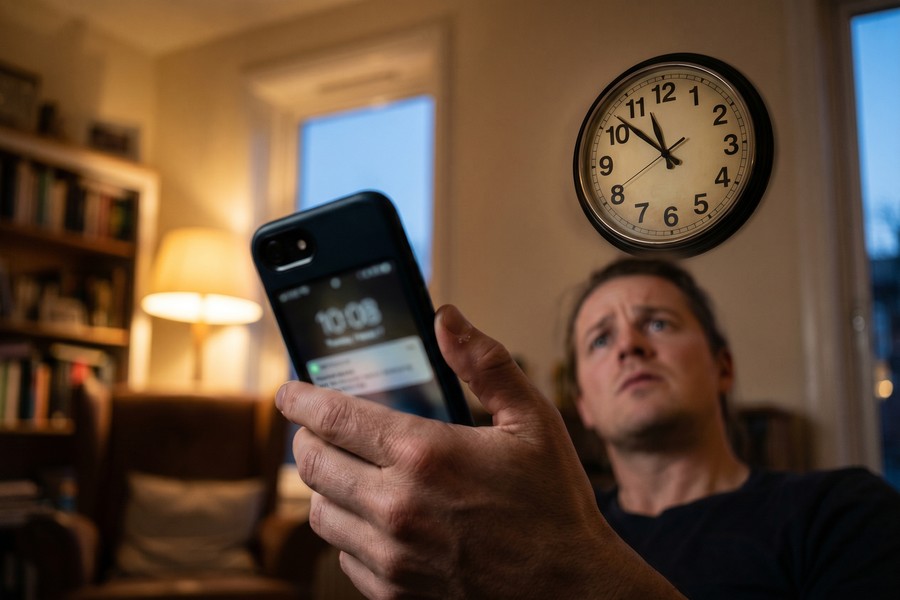
The earliest and most unambiguous signal is sudden, complete loss of cellular service in an area where you normally have coverage. No calls, no texts, no data, in a location where your phone usually works fine. That pattern, specifically the abrupt total loss, is the classic SIM swap indicator.
How to Read the Warning Signals
Physical signals come first: your phone shows “No Service” or “Emergency Calls Only,” you cannot send or receive texts, and calls go straight to voicemail from your own perspective. Shortly after, you may receive an email notification from your carrier confirming a SIM change you did not request. These are the early seconds of the attack window.
Downstream digital signals follow quickly. Watch for unexpected password-reset emails arriving in your inbox for accounts you did not touch, unfamiliar login alerts from your banking or email provider, unauthorized transactions, or social media password changes. Any one of these in isolation might have another explanation. Two or more appearing within the same hour, combined with a service outage, should be treated as a confirmed SIM swap until proven otherwise.
According to the National Consumers League (NCL), most victims discover an attack only when their phone stops working, typically after the attacker has already triggered account resets. By then, acting within minutes is the deciding factor in limiting damage.
What to Watch Out For
The timing problem is severe. Acting within the first hour is the single most important recovery variable, yet research on fraud response patterns suggests that a significant share of victims take far longer to report, dramatically increasing the value an attacker can extract before the swap is reversed. If you notice any combination of the signals above, do not wait to confirm. Call your carrier immediately from a different device or a landline.
In Australia, 90% of SIM swap cases in 2024 occurred without any direct interaction with the victim, according to IDCARE data cited by the Thomson Reuters Institute. The attacker needs to deceive only the carrier’s support staff, not you. Waiting to “see if it fixes itself” is a critical mistake.
Step 4: Enable Your Carrier’s Free SIM Protection Tools
Every major U.S. carrier now offers free SIM lock features, but none of them enable these protections by default. You have to turn them on yourself, typically through the carrier’s account portal or mobile app.
How to Do This
For AT&T customers, the feature is called Wireless Account Lock. Log into your AT&T account online or through the myAT&T app, navigate to Profile, then sign-in info, then Wireless Passcode, and enable the lock. This prevents any SIM changes unless you are physically present with your account PIN.
For T-Mobile, enable SIM Protection and Account Takeover Protection (also called Port-Out Protection) in the T-Mobile app under your line settings. T-Mobile has overhauled this feature following its arbitration loss, now requiring in-store photo ID verification to remove the lock, a meaningful improvement over the previous version, which could be disabled remotely.
Verizon offers Number Lock and SIM Protection, both available in the My Verizon app. The Number Lock feature includes a built-in 15-minute delay window for any SIM or port change request, giving you time to receive an alert and contest an unauthorized request before it processes.
What to Watch Out For
Enabling these locks can create friction during legitimate account changes, for instance, if you genuinely lose your phone and need a fast replacement SIM. Keep a record of your carrier PIN in a password manager, not in your phone’s notes app. Also remember that eSIM users need these locks just as much as physical SIM users: the carrier’s authentication process is the attack surface, and switching to an eSIM does not change that.
Set a unique, random carrier account PIN, not your date of birth or the last four digits of your SSN, which are the first guesses an attacker will make. Store it alongside the rest of your credentials in a dedicated password manager like Bitwarden or 1Password. The FTC’s guidance on SIM swap protection explicitly recommends a carrier PIN as a first-line defense.
Step 5: Ditch SMS as Your Second Factor
Replace SMS-based 2FA with an authenticator app or hardware security key on your highest-risk accounts. This single change removes the most direct benefit a SIM swap provides an attacker.
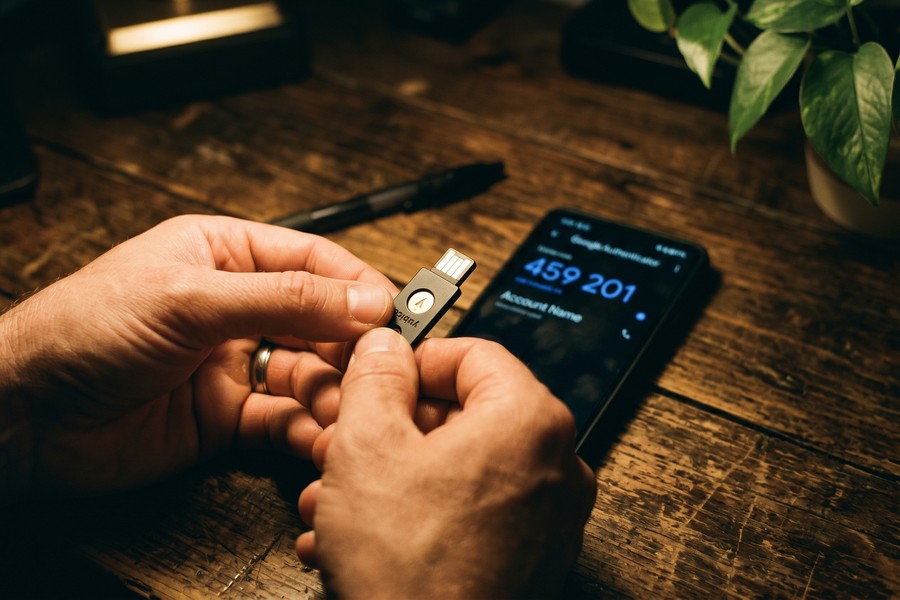
The security hierarchy is clear. FIDO2 hardware security keys (such as YubiKey) and passkeys sit at the top: they use public-private key cryptography tied to your physical device or biometrics, meaning a stolen phone number gives an attacker absolutely nothing. Authenticator apps like Google Authenticator or Authy sit in the middle. They are not linked to your phone number, so a SIM swap cannot intercept their codes, though they do require device access. SMS 2FA sits at the bottom. CISA and the FBI have both publicly stated that SMS should not be used as an authentication factor, citing its lack of encryption and trivial interception via SIM swap. If you want to learn more about the passkey direction these agencies are pushing, this guide to passkeys explains how they work and which apps support them.
For practical migration, start with your email account, since it is the recovery mechanism for everything else, then move to banking and any telehealth or insurance portals linked to your identity. Institutions like Chase, SoFi, and most major brokerages now support authenticator-based 2FA in their security settings. Google and Microsoft both default new accounts toward passkey enrollment rather than SMS verification, which is a meaningful shift in the right direction.
One honest caveat here: switching away from SMS 2FA is straightforward for tech-comfortable users but genuinely difficult for people managing many accounts across different institutions. Some smaller banks and credit unions still offer SMS as their only second-factor option. In those cases, pairing a strong, unique password with a carrier SIM lock is the best available fallback while you push your institution toward better options.
If you are evaluating hardware keys specifically, this overview of hardware security keys covers when the investment makes sense and which accounts benefit most.
Step 6: Reduce Your Digital Footprint So Attackers Cannot Impersonate You
Attackers gather personal information before making their carrier call. Every piece of data they find publicly, your full name, address, date of birth, phone carrier, and past addresses, increases their chance of passing carrier identity verification. Cutting that supply of information is a direct upstream prevention measure.
How to Do This
Start with data broker opt-out requests. Sites like Spokeo, Whitepages, BeenVerified, and Intelius aggregate publicly available records into detailed profiles that cost attackers almost nothing to access. Each of these sites has an opt-out process; services like DeleteMe or Optery automate the removal across dozens of brokers simultaneously. This is not a one-time task, these databases repopulate from public records, so periodic re-requests are necessary.
Second, use deliberately false or random answers to carrier and bank security questions, and store those answers in a password manager. Security questions draw from the same pool of data attackers harvest from social media and breach dumps. If your mother’s maiden name is genuinely available on a genealogy site, do not use it as a security answer; use a random string like “BlueTile49” instead. Credit bureaus like Experian and Equifax use similarly basic verification questions when you call to manage a credit freeze, so the same discipline applies there.
Third, consider using a separate, unpublished phone number for high-security accounts like banking and healthcare portals. A Google Voice or MySudo number can serve as a throwaway contact for lower-sensitivity accounts, keeping your primary number’s exposure minimal. This strategy pairs well with a broader approach to compartmentalizing your messaging and contact information across different risk contexts.
It is also worth reviewing what financial accounts have on file. Some lenders and fintech platforms, including SoFi and others that rely on Plaid for bank linking, use phone-based identity verification during onboarding. If your number is compromised, an attacker could potentially open new credit lines in your name. Placing a security freeze with Experian, Equifax, TransUnion, and the lesser-known ChexSystems and Innovis adds a meaningful barrier against new-account fraud that a SIM swap might otherwise enable.
What to Watch Out For
Reducing your footprint is slow work and rarely complete. Social media oversharing is the most common gap: anniversary posts, location tags, and “what city did you grow up in?” quizzes are genuine intelligence sources for anyone trying to impersonate you. Treat carrier security questions with the same seriousness as passwords. They exist to confirm your identity, and anything that confirms your identity to a carrier can be weaponized against you.
Older adults are disproportionately at risk. Adults aged 61 and older now account for roughly 29–32% of all SIM swap victims in the UK, with that group’s representation rising approximately 90% year-on-year, per Cifas Fraudscape 2026. They are more likely to use SMS 2FA, more likely to have stable publicly listed contact information, and more likely to be targeted with social engineering calls. If you help an aging parent manage their accounts, walking them through carrier PIN setup and authenticator app enrollment is time genuinely well spent.
Frequently Asked Questions
What is the first thing I should do if I think my SIM has been swapped?
Call your carrier immediately from a different device, a landline, a family member’s phone, or a VoIP call, and report an unauthorized SIM change. While you are on that call, ask them to freeze the line and reverse the swap. Simultaneously, from a device not connected to the hijacked number, change the passwords for your email and primary banking accounts before an attacker can use intercepted codes to lock you out. Document every step with timestamps for any subsequent insurance claim or law enforcement report.
Can I report a SIM swap attack to the FBI, and is it worth doing?
Yes, and it matters. File a complaint at IC3.gov, the FBI’s Internet Crime Complaint Center, which tracks SIM swap incidents and uses aggregate complaint data to identify patterns and pursue cases. Also file with the FTC at ReportFraud.ftc.gov and notify your local law enforcement. The T-Mobile $33 million arbitration ruling in March 2025 shows that documented reports strengthen any subsequent carrier liability claim.
Is an eSIM safer than a physical SIM card when it comes to SIM swapping?
No, eSIM is not inherently safer. The attack vector is the carrier’s identity verification process, not the physical SIM itself. eSIM remote provisioning actually makes a successful swap faster for an attacker, with documented incidents in 2025 completing in under five minutes. Whether your SIM is physical or embedded, the same carrier account locks and PIN protections apply and should be enabled.
Which authenticator apps are the best alternatives to SMS two-factor authentication?
Google Authenticator, Authy, and Microsoft Authenticator are the most widely compatible options. All three generate time-based one-time codes on your device that are never transmitted over the cellular network, meaning a SIM swap cannot intercept them. For the highest-security accounts, a FIDO2 hardware key like a YubiKey goes further still, requiring physical possession of the key to authenticate. The FTC advises consumers to move away from SMS verification specifically in favor of these alternatives.
How do attackers get the personal information they need to impersonate me at my carrier?
Most attackers assemble your personal information from three sources: data broker websites that aggregate public records, social media profiles, and prior data breach dumps available on dark-web markets. According to IDCARE’s 2024 research, 90% of SIM swap attacks required zero direct interaction with the victim, the attacker obtained enough PII from these sources alone to pass carrier verification. Opting out of data broker databases and using random answers to security questions are the most effective countermeasures against this sourcing method.
Should I be worried about SIM swapping if I do not own cryptocurrency?
Yes. Cryptocurrency theft generates the largest individual losses and gets the most press, but SIM swapping is used to access email accounts, bank accounts, insurance portals, and health records, too. The attack is valuable to criminals for any account with recoverable value or resellable identity data. Telehealth portals and pharmacy apps are particularly underappreciated targets because they hold insurance IDs and prescription histories that can be used for medical identity fraud.
What makes older adults more vulnerable to SIM swap attacks?
Three factors converge. Older adults are more likely to use SMS as their primary 2FA method, more likely to have stable, publicly listed contact information that appears in carrier databases, and more often targeted by the social engineering phone calls that precede many carrier-side attacks. Cifas Fraudscape 2025 data shows that adults aged 61 and older account for roughly 29–32% of all SIM swap victims in the UK, with that share rising around 90% year-on-year. For family caregivers, helping an older parent set a carrier PIN and switch to an authenticator app are direct, high-impact protective steps.
How much does it actually cost to enable SIM protection at my carrier?
All three major U.S. carriers, AT&T, T-Mobile, and Verizon, offer SIM lock and port protection features at no additional charge. The features are free; the barrier is awareness and a few minutes in the carrier’s app or account portal. Carrier PINs are also free to set. The only paid option that extends further is a hardware security key like a YubiKey, which starts at around $25 to $55 depending on the model.
How do I protect myself if my carrier does not offer strong SIM lock tools?
If your carrier’s built-in protections are limited, prioritize the account-side changes instead: migrate every important account off SMS 2FA to an authenticator app, use a unique carrier account password and PIN, and consider using a secondary number (through Google Voice or MySudo) as the contact for low-sensitivity accounts to keep your primary number less exposed. Filing a complaint with the FCC if you experience an unauthorized swap can also prompt carrier-level accountability, as the FCC Enforcement Bureau advisory DA-23-1148 makes clear that carriers are legally required to protect customers’ proprietary network information.
Sources
- FBI Internet Crime Complaint Center, 2024 IC3 Annual Report
- FBI IC3, Public Service Announcement I-020822-PSA: SIM Swapping (2022)
- Cifas, Fraudscape 2025: Huge Surge Sees SIM Swaps Hit Telco and Mobile
- Cifas, Fraudscape 2026 Official Newsroom
- Thomson Reuters Institute, SIM Swap Fraud and IDCARE 2024 Data
- Proofpoint Threat Reference, SIM Swapping (T-Mobile Arbitration, 2025)
- U.S. Federal Trade Commission, SIM Swap Scams: How to Protect Yourself
- FCC Enforcement Bureau, Advisory DA-23-1148 on SIM Fraud and Carrier Obligations
- Techi, SIM Swapping Digital Crime Protection Guide (John Breyault, NCL)






