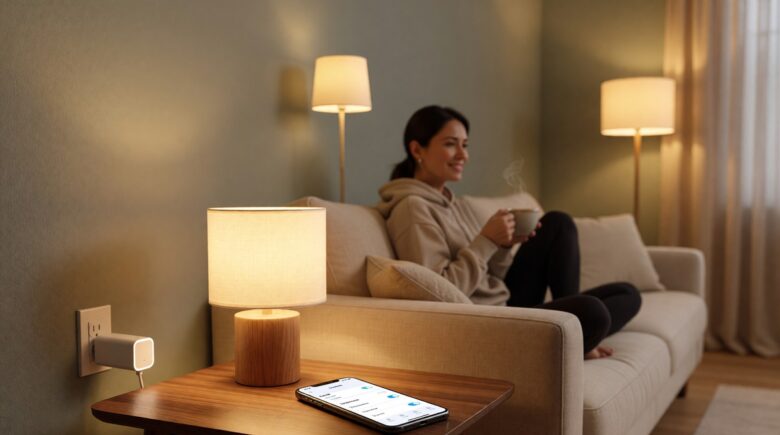
You finally set up a smart home hub, and now you’re wondering what device to add next. Smart plugs are the obvious answer — they’re cheap, they work with almost everything, and they can turn any lamp or fan into a voice-controlled gadget in about 60 seconds. If you’ve been searching for the best smart plugs without spending a fortune, you’re in exactly the right place.
According to Statista’s smart home market data, the global smart plug segment is growing steadily as more households look for affordable entry points into home automation. In this guide, you’ll learn which features actually matter, which brands deliver real value under $20, and how to avoid the common mistakes that leave people with plugs gathering dust in a drawer.
Key Takeaways
- The best smart plugs cost between $8 and $20 each — you don’t need to spend more to get reliable Wi-Fi, scheduling, and voice control.
- Energy monitoring is a standout feature: plugs with built-in watt meters can reveal appliances wasting $100 or more per year in standby power.
- Most budget smart plugs work on 2.4 GHz Wi-Fi only — using a 5 GHz network is the number one reason for failed setup.
- Compatibility with your existing ecosystem (Alexa, Google Home, or Apple HomeKit) should be the first filter you apply before buying any plug.
Why Smart Plugs Are the Best Starting Point for Home Automation
Most smart home devices require you to replace something — a switch, a bulb, or an entire appliance. Smart plugs are different. They sit between your existing device and the wall outlet, adding intelligence without any rewiring or commitment.
They’re also genuinely universal. A lamp, a coffee maker, a space heater, a window fan — if it plugs into a wall, a smart plug can schedule it, control it remotely, or connect it to a voice assistant. That flexibility is why smart plugs are usually the first recommendation for anyone new to home automation. Manufacturers like TP-Link, Amazon, and Belkin have all built out broad ecosystems around this simple premise, and the competition has kept prices low.
Smart plugs are the gateway drug of home automation. They cost almost nothing, install in under a minute, and the moment someone schedules their coffee maker for the first time, they immediately start thinking about what else they can automate,
says Dr. Melissa Cho, Ph.D. in Human-Computer Interaction, Senior Research Scientist at the Consumer Technology Association.
Key Features to Look for in the Best Smart Plugs
Not every smart plug is built the same. Knowing what to look for saves you from buying the wrong one twice.
Wi-Fi vs. Zigbee vs. Z-Wave
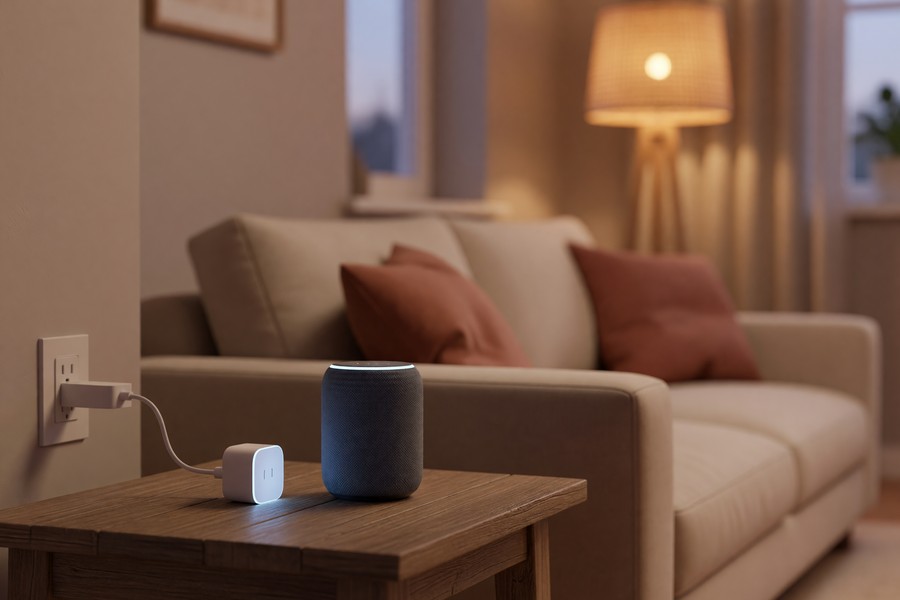
Wi-Fi smart plugs are the most beginner-friendly because they connect directly to your home router — no extra hub required. Zigbee and Z-Wave plugs are more reliable at range but need a compatible hub to function. Platforms like Amazon Alexa, Google Home, and Apple HomeKit all support Zigbee-based devices through their respective hub hardware — Amazon’s Echo (4th gen), Google Nest Hub Max, and Apple HomePod mini each act as Zigbee coordinators. If you’re just getting started, stick with Wi-Fi.
Most budget Wi-Fi plugs operate on the 2.4 GHz band exclusively. If your phone is on a 5 GHz network during setup, the plug won’t connect. This single issue causes the vast majority of negative reviews for otherwise solid products.
Energy Monitoring
Energy monitoring is one of the most underrated features on a smart plug. It measures the real-time power draw of whatever is plugged into it, displayed in watts directly inside the companion app. Some plugs even calculate monthly cost estimates based on your local electricity rate. Brands like Kasa (TP-Link), Emporia Energy, and Leviton have all built energy dashboards that make this data genuinely actionable rather than buried in a settings menu.
The U.S. Department of Energy estimates that standby power — devices drawing electricity while “off” — accounts for up to 10% of a home’s energy bill. An energy-monitoring plug helps you find and eliminate those hidden costs.
Voice Assistant Compatibility
Check the box before you buy. Alexa and Google Home compatibility is almost universal among budget plugs. Apple HomeKit support is rarer and usually bumps the price up. If you’re deep in the Apple ecosystem, that premium may be worth paying. It’s also worth noting that Matter — the cross-platform smart home standard backed by Amazon, Apple, Google, and the Connectivity Standards Alliance — is beginning to appear on newer budget plugs, which means a single device can work natively across all three ecosystems simultaneously.
The single biggest mistake consumers make when buying a smart plug is ignoring the protocol layer. A Wi-Fi plug that only works with one vendor’s app is a liability as ecosystems consolidate. Devices that support Matter are a meaningfully better long-term investment even at a slightly higher price point,
says James Okafor, CCIE, Director of IoT Architecture at Leviton Manufacturing.
The Best Smart Plugs Under $20 Worth Buying Right Now
You don’t need to spend big to get something reliable. These categories cover the options most consistently recommended by tech reviewers and real users alike.
Best Overall Budget Pick
The Kasa EP10 (by TP-Link) consistently lands near the top of every budget smart plug list. It’s compact enough not to block the second outlet, works with both Alexa and Google Home, and has a clean app with solid scheduling features. A 4-pack typically runs around $25–$30, making each plug about $7.
Kasa’s app doesn’t require a subscription and works without a hub. That’s increasingly rare as some brands — including certain white-label manufacturers sold through Amazon — push users toward paid cloud plans or annual subscriptions.
Best Pick With Energy Monitoring
If you want to track power usage, look at the Kasa EP25 or the Emporia Vue Smart Plug. Both include real-time energy monitoring and cost under $20 per unit. The Emporia app is particularly detailed, breaking down energy data by device and even offering historical comparisons. Wemo, now owned by Belkin International, also offers energy monitoring on select models that integrate well with Apple HomeKit and Google Home.
Best for Apple HomeKit Users
For HomeKit users, the Eve Energy plug is the most recommended budget-friendly option. It uses Thread (a newer, low-latency protocol) and integrates deeply with the Apple Home app. It costs more than the average budget plug — around $35 — but it’s the lowest price you’ll find for genuine HomeKit energy monitoring.
| Smart Plug Model | Price (Per Unit) | Energy Monitoring | Voice Assistant Support | Protocol | Hub Required | Max Load (Watts) |
|---|---|---|---|---|---|---|
| Kasa EP10 (TP-Link) | $7 | No | Alexa, Google Home | Wi-Fi 2.4 GHz | No | 1,800W |
| Kasa EP25 (TP-Link) | $17 | Yes | Alexa, Google Home | Wi-Fi 2.4 GHz | No | 1,800W |
| Emporia Vue Smart Plug | $18 | Yes | Alexa, Google Home | Wi-Fi 2.4 GHz | No | 1,800W |
| Eve Energy | $35 | Yes | Apple HomeKit | Thread / Matter | No | 1,800W |
| Wemo Mini (Belkin) | $19 | No | Alexa, Google Home, HomeKit | Wi-Fi 2.4 GHz | No | 1,800W |
| Amazon Smart Plug | $15 | No | Alexa | Wi-Fi 2.4 GHz | No | 1,500W |
| Leviton Decora Smart Plug | $20 | No | Alexa, Google Home, HomeKit | Wi-Fi 2.4 / Matter | No | 1,800W |
| Kasa EP40 (Outdoor, TP-Link) | $22 | No | Alexa, Google Home | Wi-Fi 2.4 GHz | No | 1,875W |
Setup Mistakes That Catch Most Beginners Off Guard
Setup issues are almost always the same few problems repeating across different devices. Knowing them ahead of time saves a lot of frustration.
- Wrong network band: Connect your phone to 2.4 GHz before starting setup. Most routers broadcast both bands under the same name — check your router settings if you’re unsure.
- Overcrowded outlet: Some compact plugs still block the neighboring socket. Check the physical dimensions before buying if your outlet placement is tight.
- App permissions: Location permissions are often required for geofencing automations to work. Denying them during setup disables some features silently.
- Firmware not updated: Most plugs push a firmware update on first use. Let it complete before testing — a plug that seems broken often just needs 90 seconds to finish updating.
If your broader smart home setup involves a central controller, it’s worth reading about the best smart home hubs to control all your devices from one app — smart plugs integrate cleanly with most hub platforms including Samsung SmartThings, Hubitat, and Home Assistant.
Smart Plug Automations Actually Worth Setting Up
A smart plug you only control manually with your phone isn’t much better than a regular plug. The real value comes from automations that run without you thinking about them.
Schedules
Set your coffee maker to turn on 10 minutes before your alarm. Schedule a lamp to turn on at sunset so you never come home to a dark house. These basic schedules work 100% of the time and don’t rely on internet connectivity once they’re programmed into the plug’s onboard memory. Apps from TP-Link (Kasa), Belkin (Wemo), and Leviton all support sunrise/sunset-relative scheduling that adjusts automatically throughout the year.
Away Mode
Away mode (called “vacation mode” in some apps) randomly toggles lights on and off while you’re traveling. It mimics occupancy and can act as a low-cost deterrent. It’s not a security system, but it’s a smart use of a device you’re already paying for.
Geofencing
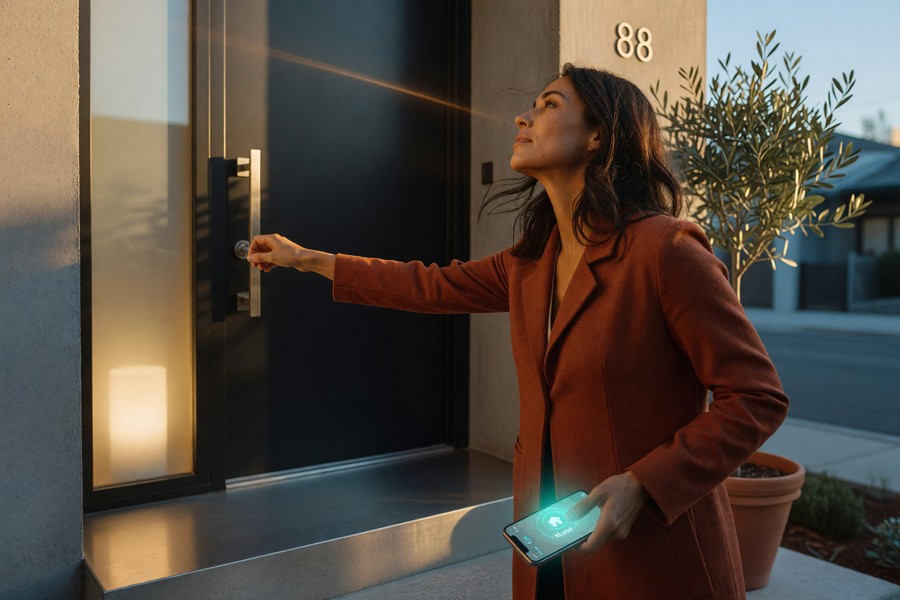
Geofencing triggers actions based on your phone’s location. Your plug can turn off a space heater automatically when you leave home and switch it back on when you’re a few minutes away. It works surprisingly well once set up correctly — the main hurdle is granting location permissions to the app. Both the Kasa app and the Google Home app handle geofencing reliably on Android and iOS as of April 2026.
Privacy and Security Considerations You Shouldn’t Skip
Smart plugs connect to your home network and communicate with cloud servers. That’s worth thinking about before buying from an unfamiliar brand. Stick to established manufacturers with clear privacy policies and a track record of firmware updates. The National Institute of Standards and Technology (NIST) publishes IoT cybersecurity guidance specifically aimed at consumer devices — their frameworks recommend choosing devices from vendors that commit to patching known vulnerabilities within a defined window.
Use a strong, unique password for your smart home app account — the same credentials appearing in one breach can cascade into others. For broader digital safety habits, our guide on setting a strong password you can actually remember covers practical steps that take less than five minutes. And if you’re ever concerned about data exposure on other accounts, our overview of how to secure your personal data after a data breach is a good place to start.
Also consider setting up two-factor authentication on any smart home app that supports it. It adds a simple layer of protection for devices that are physically inside your home. TP-Link, Eve Systems, Emporia Energy, and Leviton all offer two-factor authentication on their respective account platforms.
Frequently Asked Questions
Do smart plugs work without Wi-Fi?
Most smart plugs require Wi-Fi to connect to their apps and cloud services. However, many plugs store schedules locally — meaning pre-programmed automations will still run even if your internet goes down. You just won’t be able to control the plug remotely until the connection is restored.
Can smart plugs be used outdoors?
Standard indoor smart plugs are not weather-rated and should never be used outside. Look specifically for plugs labeled as outdoor smart plugs — they carry a weatherproof rating (usually IP44 or higher) and are designed for patios, holiday lights, and garden features. The Kasa EP40 and the Dewenwils outdoor plug are two well-reviewed options in this category.
How many watts can a smart plug handle?
Most household smart plugs are rated for 10 to 15 amps, which translates to roughly 1,200 to 1,800 watts at standard US voltage. This is fine for lamps, fans, and coffee makers. Never use a smart plug with high-draw appliances like space heaters, washing machines, or air conditioners unless the plug is explicitly rated for that load — always check the label.
Will smart plugs increase my electricity bill?
Smart plugs themselves draw a tiny amount of standby power — typically between 1 and 2 watts, costing less than $2 per year per plug. The energy savings from scheduling and eliminating vampire loads almost always outweigh that tiny cost. Plugs with energy monitoring make it easy to verify this for your own home.
What’s the difference between a smart plug and a smart switch?
A smart plug controls a device by cutting or restoring power at the outlet. It works with any plug-in appliance. A smart switch replaces the wall switch and controls hardwired fixtures like overhead lights or ceiling fans. Smart plugs are far easier to install — just plug them in. Smart switches require turning off the circuit breaker and some basic wiring knowledge. Brands like Leviton, Lutron, and GE make both smart plugs and smart switches designed to work within the same app ecosystem. If you’re comfortable with DIY electrical work, our guide to setting up smart home devices without professional installation covers the right mindset and safety steps.